Find the starting point.
Your agent can use an overview of the project's parts and important functions to choose relevant files to read.
roam mapExplore the map command ↗The code atlas · Roam, mapped
Explore Roam’s own Python imports in a custom website view, separate from the output of roam map. Choose an area to see what it imports and which other areas import it.
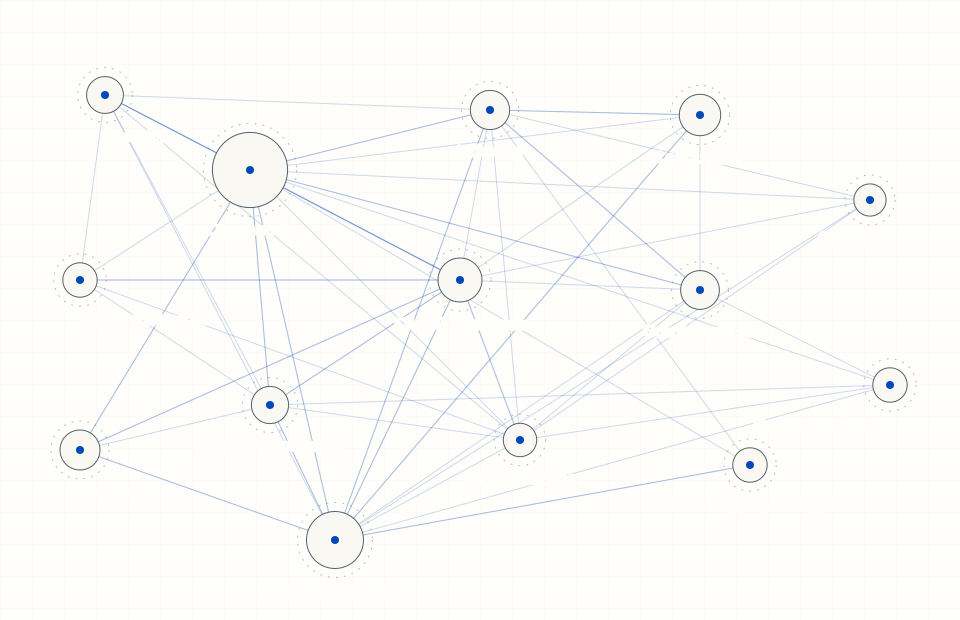
Static source snapshot. Area selection appears when the interactive data is available.
A picture for you. Tools for your agent.
On your project, Roam’s command-line or connected agent tools return code locations, connections, findings, and limits. Your agent can use those results to decide where to look and what to check.
How to read this map
This visualization is built from literal Python imports in a Roam working-tree snapshot. It groups files by directory; “Supporting systems” combines the remaining packages. It is a custom website view, not the native output of roam map.
Lines count unique directed module-import connections. Conditional and type-checking imports are included. Dynamic imports, other languages, and symbol-level calls are outside this view. Missing connections do not prove independence.
Selections stay in your browser. No repository upload, model call, or account is needed to explore this snapshot. There is no live connection to your own code.
Download the dataset for its source digest and scan counts.
Open the complete map dataset ↗Use Roam on your project
Install the free tools, index your code, and add Roam checks to your agent’s workflow.